
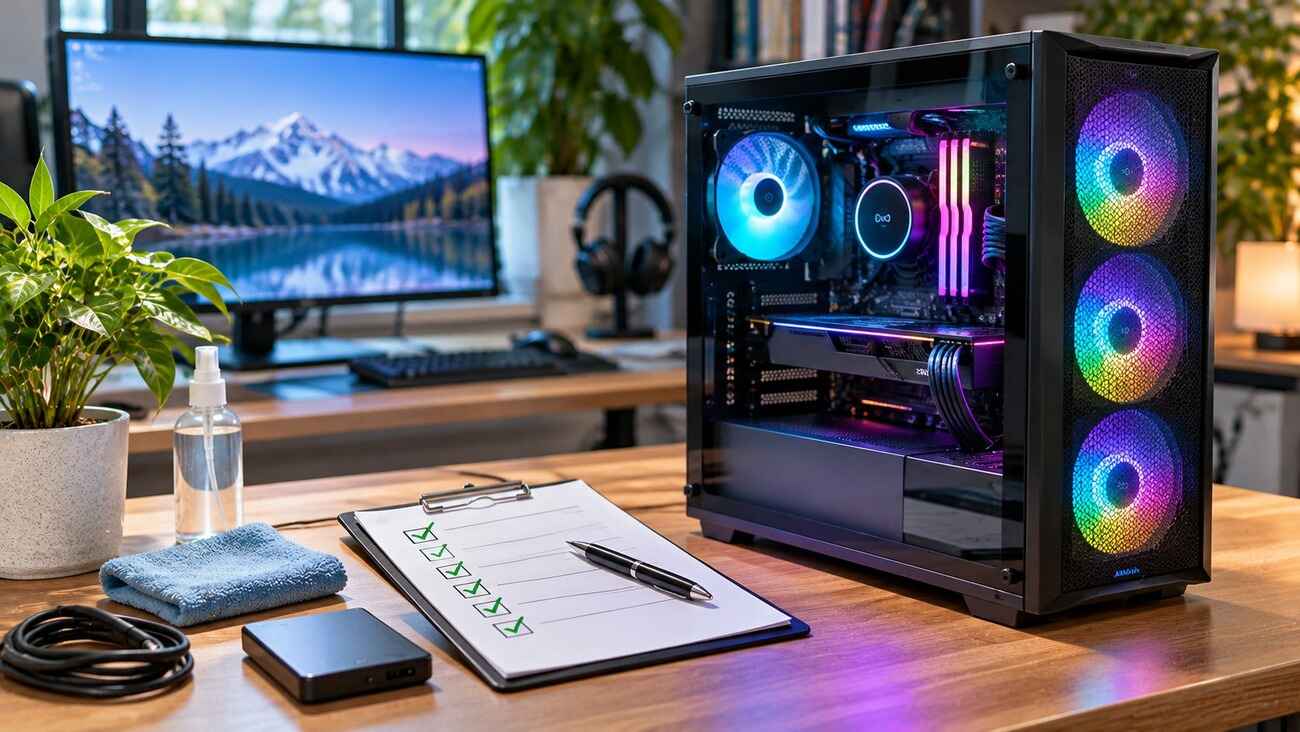
A gaming PC represents hundreds of hours of choices, from the case to the cooling to the last fan header. When a new build or prebuilt arrives, the old machine becomes a question. It can be sold whole, broken into parts, or kept as a spare. Each choice has consequences for price, effort, and data safety. Preparing the system carefully makes any route smoother and gives buyers confidence in what they are getting.
Identifying Every Component
Start with a complete parts list. Record the processor, graphics card, motherboard, memory, storage drives, power supply, case, and cooler, including exact model names. A free tool such as CPU-Z, HWiNFO, or the system information panel shows most of this, and opening the case confirms details like the power supply wattage and the cooler type.
Precision affects value. A processor with a certain suffix may sell for a different price than a similar chip without it, and memory speed and capacity matter. Note the motherboard model and chipset, since buyers check compatibility. Record serial numbers and the age of major components, as well as any remaining warranty.
Photographs help. Take clear pictures of the inside and outside of the case, the rear ports, and any labels. A tidy interior with clean cable management suggests a well-kept machine. Save receipts, boxes, and manuals if they exist, since they reassure buyers and support the asking price.
Checking Performance Before Setting a Price
Buyers want proof that the system runs well. Boot the machine and run a stress test and a game benchmark for at least twenty minutes. Watch temperatures for the processor and graphics card, listen for fan noise, and note whether performance holds steady. Crashes, thermal throttling, or random restarts indicate problems that need addressing.
Test each component where possible. Run a memory test to check for errors, review drive health with a SMART utility, and make sure every USB port, audio jack, and network connection works. Confirm that the power supply holds voltage under load, since a failing supply can damage other parts.
Document results with screenshots, including benchmark scores and temperature readings. Clean the system with compressed air, replace dried thermal paste if temperatures are high, and tidy the cables. A machine that performs well and looks cared for sells faster and avoids haggling.
Complete System or Parting Out
The choice between a whole-system sale and selling parts is one of the biggest decisions. Parting out can bring a higher total, because each component finds a buyer who wants exactly that part, and popular graphics cards and processors often hold strong demand. The cost is effort, since each part needs testing, photographing, listing, packing, and shipping, and leftover pieces may take time to sell.
A complete system offers convenience. One listing, one buyer, and one handover save time, and many buyers want a ready-to-run machine. The price may be lower than the sum of parts, particularly if the build has mixed-age components, though a well-balanced and clean system can sell close to that sum.
A complete system can be easier to hand over, while a valuable graphics card may justify a separate sale. Before you sell an old gaming PC, decide which route suits your priorities and make the description explicit about power cables, accessories, and any components that are excluded.
Offering the Old System for an In-Store Sale
For people who prefer a simple handover, an in-store option removes much of the work. A business that buys computers can inspect the machine, test the components, and give an offer without the owner writing listings or arranging meetings. Anyone considering whether to resell a complete desktop this way should bring the system with its power cable, any peripherals worth including, and the parts list and documentation.
The staff typically power on the computer, check its specifications, and look at its condition. Offers reflect the resale value of the components, the demand for similar systems, and the time and cost needed to prepare it for another buyer. Because of those costs, the amount can be lower than a private sale. The tradeoff is certainty, immediate payment, and no need to deal with strangers or shipping.
Call ahead or check hours, and ask what documentation is required. Bring identification if the store needs it. Wipe storage before leaving the house, since the data should be gone before the machine changes hands.
Backing Up and Clearing Storage
Data protection comes before every sale. Copy saved games, documents, photos, and project files to an external drive or cloud service, and confirm that the backup opens on another device. Export browser bookmarks and note software license keys.
Then remove the personal footprint:
- Sign out of game launchers, such as Steam, Epic, and other platforms.
- Deauthorize licensed software, including creative tools and anti-cheat services.
- Remove saved passwords from browsers and password managers.
- Run the operating system’s reset option with the setting that wipes drives completely.
- For drives that held sensitive data, use a secure erase tool or a full overwrite.
- Confirm that the system boots to a clean setup screen.
Solid-state drives need care, since simple deletion does not always erase everything. A full reset with drive encryption enabled first, followed by a reset, provides stronger protection. If a drive cannot be wiped, remove it and keep it. Reinstall a fresh operating system if buyers expect one, and note the license status.
Final Analysis
Selling a gaming PC well depends on knowing what is inside, proving that it works, choosing between a whole-system sale and parting out, and removing every trace of personal data. An in-store sale offers speed and simplicity, while a private sale may bring a higher price with more effort. Sellers who prepare thoroughly before parting with the machine receive fairer offers and avoid problems after the handover.
Leave a Reply