
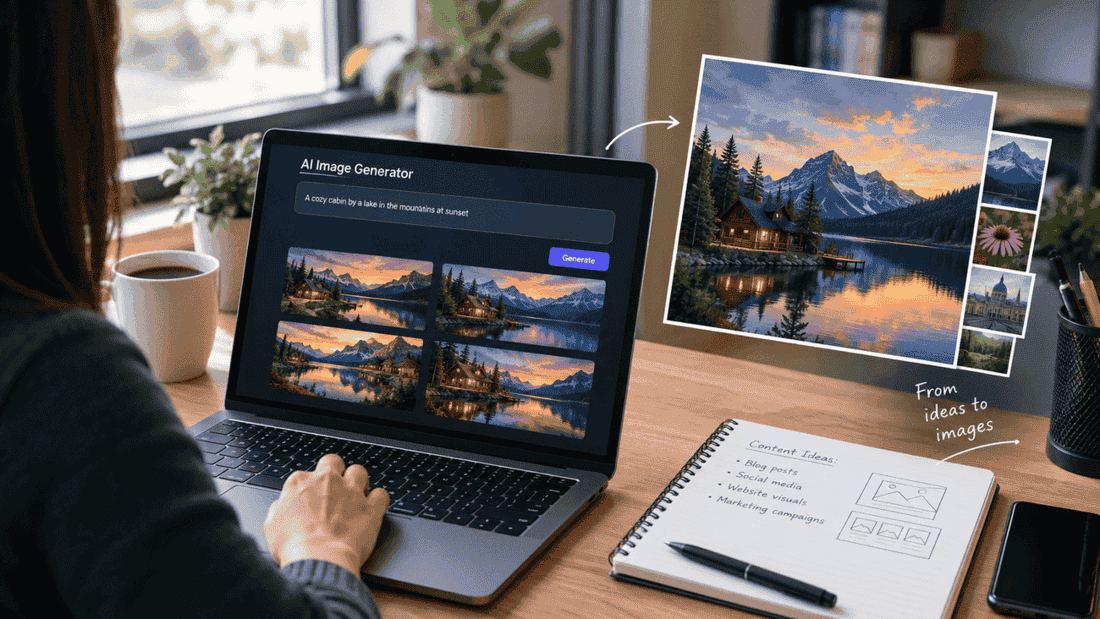
Artificial intelligence has changed the way people create digital images. What once required professional design software, photography equipment, or hours of manual editing can now be completed with simple text instructions. AI image generators are becoming useful for marketers, content creators, educators, designers, and everyday users who need original visuals quickly.
The technology is also evolving beyond basic text-to-image generation. Newer systems can understand more detailed instructions, work with existing images, and produce visuals that are better suited to specific creative goals.
What Is an AI Image Generator?
An AI image generator is a software system that creates images based on instructions provided by a user. These instructions, often called prompts, can describe subjects, environments, styles, lighting, composition, colors, or other visual details.
For example, a user could request an illustration of a modern workspace with natural lighting and minimalist furniture. The AI analyzes the description and generates an image that attempts to match those instructions.
This makes image generation accessible to people who may not have advanced graphic-design skills.
How AI Image Generation Works
Most modern image-generation systems are trained using large collections of visual and textual information. During training, the system learns relationships between words, concepts, objects, styles, and visual patterns.
When a user enters a prompt, the model interprets the request and generates an image based on those learned relationships.
The process generally involves several stages:
- Understanding the prompt: The system identifies the important subjects and characteristics in the request.
- Interpreting visual relationships: It determines how objects, colors, styles, and environments might work together.
- Generating the image: The model creates visual content based on the interpreted instructions.
- Refining the result: Some systems can make additional adjustments based on user feedback or follow-up instructions.
The quality of the final image depends on the model, the prompt, and the complexity of the requested scene.
What Makes Newer Image Models Different?
Early AI image tools were often impressive but struggled with details such as readable text, realistic hands, consistent objects, and precise compositions. Newer models are designed to handle more complicated instructions and editing tasks.
For people exploring newer tools, developments such as ChatGPT Images 2.5 demonstrate how AI-based image creation is becoming increasingly integrated into general-purpose creative workflows. Instead of treating image generation as an isolated task, users can increasingly combine writing, brainstorming, image creation, and revisions in one workflow.
This can be especially useful when creating visuals for articles, presentations, social media, educational materials, or marketing campaigns.
Better Prompts Can Produce Better Results
One of the easiest ways to improve an AI-generated image is to provide a clear prompt.
A vague request such as:
“Create a modern office.”
leaves many creative decisions to the model.
A more detailed request might describe the room’s layout, furniture, lighting, color palette, camera perspective, and intended visual style.
For example:
“Create a bright modern home office with a wooden desk, neutral walls, indoor plants, soft morning light, and a clean editorial photography style.”
The second prompt gives the model more useful information about the desired result.
However, adding unnecessary details can also make a prompt confusing. Effective prompting is usually about providing the right details, rather than simply writing the longest possible description.
AI Images for Content Creation
Publishers and bloggers can use AI-generated visuals to complement written content. A suitable image can make an article easier to understand and more visually appealing.
For example, an article about home organization could use an AI-generated illustration showing an organized small apartment. A technology article could include a conceptual image representing artificial intelligence and digital creativity.
AI-generated visuals can also help when a suitable stock photograph is difficult to find or when a publisher needs an image representing a very specific concept.
Still, publishers should review every generated image before publication. AI systems can occasionally produce strange objects, inaccurate details, or visual inconsistencies that may not be obvious at first glance.
Editing Is Becoming Just as Important as Generation
Creating an image is only one part of the process. Users often need to modify an existing result.
Modern image tools can increasingly support tasks such as:
- Changing backgrounds
- Removing unwanted elements
- Adjusting colors
- Adding or replacing objects
- Changing an image’s style
- Creating variations of an existing concept
- Improving composition
- Combining multiple creative instructions
This makes AI useful as an interactive design assistant rather than simply an image-generation button.
Practical Uses for AI-Generated Images
AI image technology has applications across many industries.
Marketing
Businesses can develop concept visuals for campaigns, advertisements, landing pages, and social media content.
Education
Teachers and students can create illustrations that explain abstract ideas or make learning materials more engaging.
Publishing
Writers and publishers can develop visual concepts for blog posts, newsletters, digital magazines, and other content.
Product Concepts
Designers can explore early ideas before investing time in detailed production work.
Social Media
Creators can produce original visual concepts tailored to particular posts instead of relying entirely on generic stock photography.
AI Does Not Replace Creative Direction
Despite rapid improvements, AI image generation does not remove the need for human creativity. Someone still needs to decide what the image should communicate, whether the result is appropriate, and how it fits into the larger project.
The strongest workflow is often collaborative: the person provides the idea and creative direction, while AI helps explore and develop different visual possibilities.
Users should also consider copyright, licensing, privacy, and platform-specific rules before using generated images commercially. These considerations can vary depending on the tool and how the image is being used.
The Future of AI Image Creation
AI image generation is moving toward more interactive and context-aware creative workflows. Instead of simply entering one prompt and accepting the first result, users can increasingly describe changes, experiment with alternatives, and refine an image through multiple steps.
This shift could make visual creation more accessible while reducing the amount of repetitive work involved in traditional design processes.
The technology is still developing, and results can vary between tools and individual requests. For that reason, AI-generated images work best when users treat them as creative material that should be reviewed and refined rather than automatically assuming every output is production-ready.
Final Thoughts
AI image generators are changing how people approach visual content. They make experimentation faster, lower the technical barrier to creating images, and provide new ways to turn ideas into visuals.
As models become better at understanding detailed instructions and editing existing content, image generation is likely to become a more natural part of everyday creative work. The most useful approach is to combine these tools with clear creative direction, careful editing, and human judgment.
Leave a Reply