
One screen running a slideshow in the lobby is easy. The trouble starts when you have ten screens across three floors, each meant to show something different, and the only way to update them is for someone to walk around with a USB stick. That does not scale. It barely survives a Monday.
A real multi-screen display network solves that. Here is how to plan one that holds up.
First, agree on what you’re actually building
“Multi-screen display network” gets used for two very different things, and mixing them up wastes money.
One is a personal multi-monitor desk: two or three monitors wired to a single computer so you can keep email, a spreadsheet, and a browser open at once. That is a productivity setup for one person.
The other is digital signage: a network of displays spread across a building or several sites, showing scheduled content to an audience. Production-floor dashboards, retail promos, wayfinding screens, a control-room video wall. That is what most people mean by “display network,” and it is what this guide covers.
The distinction matters because the second type needs centralized control. Ten screens you update one by one is not a network. It is ten chores.
Plan the content before you buy a single screen
The most common mistake is shopping for hardware first. Resist it.
Start by mapping zones. What goes where, and who is watching? A warehouse dashboard showing live output needs different content, refresh rate, and placement than a reception screen greeting visitors. Write down each zone, what it shows, and how often that content changes.
Then decide who owns the content. A display network with no clear owner goes stale in a month. Someone has to be responsible for what is on the screens this week, or you are back to the USB stick.
Only after that should you talk about panels, mounts, and players.
Choose how the screens connect: this is the real decision
Every multi-screen network comes down to one architectural choice: how content reaches each screen and who controls it. There are three broad routes.
A media player per screen. Each display gets its own small box. Cheap to start, painful to manage. Updating fifty screens means touching fifty devices.
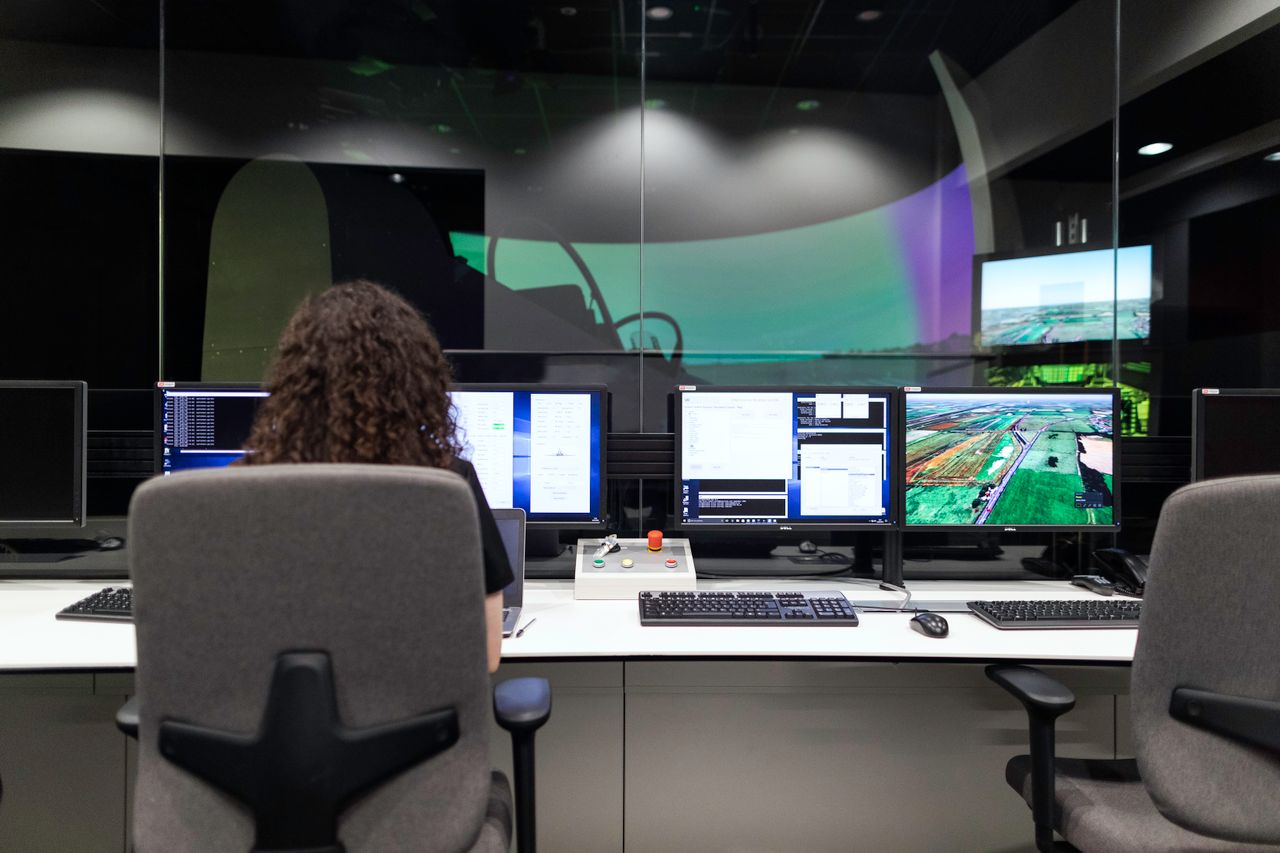
A centralized, on-premises system. One server or PC drives many screens over your local network, often using AV-over-IP so a single source can feed a full wall or a room. This suits control rooms, production floors, and video walls where everything sits in one building.
A cloud content management system. You design and schedule content in a browser and push it to any connected screen, anywhere. This is the right call when your screens are spread across locations.
You do not always have to pick one. Platforms like monitorsanywhere.com cover both ends: on-premises connectivity for video walls and control rooms, plus a cloud-based content management system for screens across different sites, all driven from a single console. Match the method to where your screens actually live, instead of forcing every screen into the same setup.
Build for the day you have fifty screens, not five
A network that works with five screens can collapse at fifty if you skip the boring parts.
Central scheduling. You want to change what every screen shows from one place, with content timed to play when it matters. A lunch menu at 11, a safety reminder at shift change.
Live data, not just static images. Screens earn their keep when they pull real information: production KPIs, queue times, social feeds, an RSS ticker. A dashboard that updates itself beats a poster nobody remembered to swap.
Remote management. If you have to stand in front of a screen to fix it, the network will fight you. Manage and monitor it from your desk.
Mistakes that quietly wreck a display network
A few that show up again and again.
Buying screens before planning content. You end up with beautiful panels showing the wrong thing.
Ignoring the network itself. Video walls and live content eat bandwidth. Loop your IT person in early, not after the freezing starts.
No content calendar. “We’ll update it when we have time” means it never gets updated.
Treating every screen as identical. A four-screen video wall in a security center and a single menu board share nothing except that they light up.
FAQ
What is the difference between a video wall and a multi-screen display network?
A video wall is several screens tiled together to act as one large display, common in control rooms and lobbies. A multi-screen display network is the wider system: many screens, which can include video walls, fed and managed from a central point. A video wall is usually one part of a network.
Do I need a separate computer for each screen?
No, and you usually should not. That is the expensive, hard-to-manage route. Centralized and cloud-based systems let one source drive many screens, which is the whole reason to build a network instead of a pile of separate displays.
Can I run screens in different buildings from one place?
Yes. A cloud-based content management system is built for this. You schedule content once in a browser and push it to connected screens in any location, so a chain of stores or a multi-site office stays consistent.
How many screens can one network handle?
From one to hundreds, depending on the platform and your network. The limit is rarely the screens themselves. It is whether your management system and bandwidth were planned to grow with you, which is why the architecture choice early on carries so much weight.
Where to start
Pick one zone. Map the content, name an owner, choose the connection method that fits where those screens live, and get it working before you expand. A display network that runs three screens well beats one that runs thirty badly. Once the model is proven, scaling it is the easy part.
Leave a Reply