
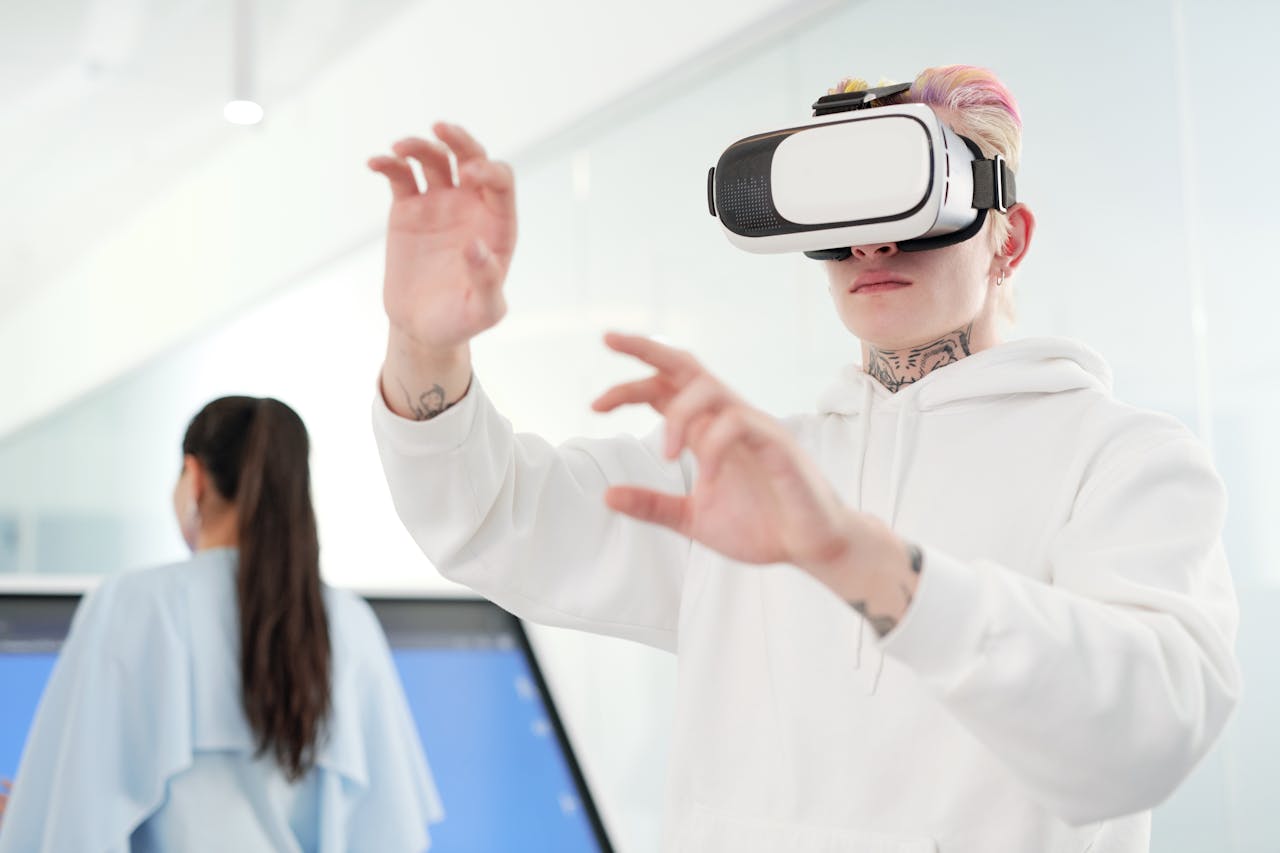
For many decision-makers considering immersive technology, the hesitation often stems from a single, visceral memory: trying a virtual reality headset five or ten years ago and feeling nauseous. That early reputation of the “vomit comet”—where users experienced dizziness or headaches after just a few minutes—has lingered in the corporate consciousness. However, basing today’s corporate training strategy on technology from 2016 is a mistake.
The hardware and software landscape has undergone a radical transformation. What was once a legitimate biological hurdle has largely been engineered out of existence. Modern headsets and sophisticated design principles have solved the sensory conflicts that caused simulator sickness, paving the way for widespread adoption. Understanding the technical leaps behind this shift is key for any leader looking to modernize their corporate training solutions.
The Science of “Sim Sickness” and Why It Happened
To understand the solution, we must first understand the problem. Motion sickness in VR, often called simulator sickness, is primarily caused by a sensory conflict. Your eyes tell your brain that you are moving (e.g., flying through space or walking down a hallway), but your vestibular system (the inner ear organs responsible for balance) tells your brain that you are sitting still in a chair.
This disconnect triggers a defense mechanism in the brain. In early virtual reality training implementations, this was exacerbated by low resolution, lag, and poor tracking. When you turned your head, the world inside the headset would “drag” slightly behind your movement. That split-second delay (latency) was the primary culprit for discomfort.
The Hardware Revolution: Refresh Rates and Resolution
The first major leap in comfort comes from the display technology itself. Early consumer headsets often ran at refresh rates of 60Hz or lower. This meant the screen refreshed the image 60 times per second. While this sounds fast, it creates a subtle, perceptible flicker and motion blur that stresses the eye and brain.
Today, the industry standard for a professional VR training deployment is 90Hz, with many headsets pushing 120Hz or even 144Hz. At these speeds, motion appears buttery smooth, and the “drag” effect is virtually eliminated.
Furthermore, resolution has skyrocketed. The “screen door effect”—where users could see the black grid between pixels—forced the eyes to constantly strain to focus. Modern 4K+ displays provide crystal-clear text and visuals, allowing trainees to wear headsets for extended periods without eye fatigue.
The Game Changer: 3-DOF vs. 6-DOF
Perhaps the most critical technical advancement in reducing nausea is the shift from 3-DOF (Three Degrees of Freedom) to 6-DOF (Six Degrees of Freedom).
- The Old Way (3-DOF): Early mobile VR headsets only tracked rotation. You could look up, down, left, and right, but if you leaned forward to inspect an object, the world moved with you instead of you moving closer to it. This unnatural movement immediately signaled to the brain that something was wrong.
- The New Way (6-DOF): Modern enterprise headsets track your position in physical space. If you take a step forward in the real world, you take a step forward in the virtual world. If you lean in to look at a control panel, your view gets closer naturally.
By aligning the user’s physical proprioception (body awareness) with their visual input, 6-DOF hardware removes the sensory mismatch. This alignment is essential for effective corporate training, ensuring that employees can focus on the learning material rather than keeping their lunch down.
Software Design: The Responsibility of the Provider
While hardware provides the foundation, the software experience is equally critical. A high-end headset cannot save a poorly optimized application. This is where choosing the right VR training provider becomes the most important decision in your implementation strategy.
Proven experts, such as Roundtable Learning, have mastered these optimization techniques, utilizing established “comfort mechanics” to ensure accessibility for all users:
Teleportation Over Artificial Locomotion
“Artificial locomotion” (using a joystick to walk while your body remains still) is the most common trigger for sickness. A skilled VR training provider will instead implement teleportation mechanics. This allows the user to point to a destination and instantly appear there. It eliminates the sensation of artificial acceleration, which is what the inner ear dislikes most.
Dynamic Vignetting
For scenarios that require smooth movement (like a driving simulator), developers use dynamic vignetting or “tunneling.” This technique subtly darkens the peripheral vision during movement. By restricting the field of view to the center, the brain perceives less motion, significantly reducing the likelihood of nausea without breaking immersion.
Maintaining High Frame Rates
Consistency is key. If a simulation is too complex and the frame rate drops (stuttering), discomfort sets in immediately. A professional provider optimizes assets—simplifying 3D models and textures—to ensure the simulation runs at a locked 90 frames per second, regardless of how much action is happening on screen.
Inclusivity in Corporate Training Solutions
The goal of any enterprise learning initiative is to be inclusive. You cannot scale a training program if 20% of your workforce cannot use the tool. The combination of high-refresh-rate hardware, 6-DOF tracking, and comfort-first design has democratized VR training.
Modern implementations allow users who are prone to motion sickness in cars or boats to participate comfortably in VR. Additionally, pass-through technology (Mixed Reality) allows users to see the real world in their periphery while interacting with 3D objects, anchoring them to reality and further eliminating disorientation.
Conclusion
The “motion sickness myth” is a relic of the past, sustained by memories of outdated prototypes. Today, technology has caught up to human biology. Through the use of 90Hz+ displays, sub-millimeter tracking accuracy, and intelligent software design, the barriers to entry have been dismantled.
When evaluating a potential VR training provider, ask them specifically about their comfort design philosophy. Ask about frame rate optimization and locomotion options. By partnering with experts like Roundtable Learning who understand these technical nuances, organizations can deploy immersive learning that is not only effective but comfortable and safe for every employee. The era of the “vomit comet” is over; the era of high-fidelity, high-comfort enterprise training has arrived.
Leave a Reply