
Having corrupted or damaged videos can be heartbreaking – especially if they contain precious moments or important camera footage. Whether you’re facing audio-video sync errors, missing frames, playback failure, or codec problems, it’s important to immediately proceed with the video repair workarounds. Manual methods to fix damaged videos can be time-consuming and complicated, but thankfully, various video repair tools available online make the process much faster and easier.
However, choosing the right video repair software may be a critical task, but don’t worry! In this guide, we’ll discuss the 5 best video repair software to repair your damaged videos. Just check the features of these tools and select the one that best fits your needs.
5 Best Video Repair Software: Fix Damaged Videos Easily
Before choosing video repair software, it’s important to check the features it offers to ensure reliable results. Below are the top 5 video repair tools that can help you fix damaged videos quickly and effectively. Let’s explore each of them in detail.
1. Stellar Repair for Video
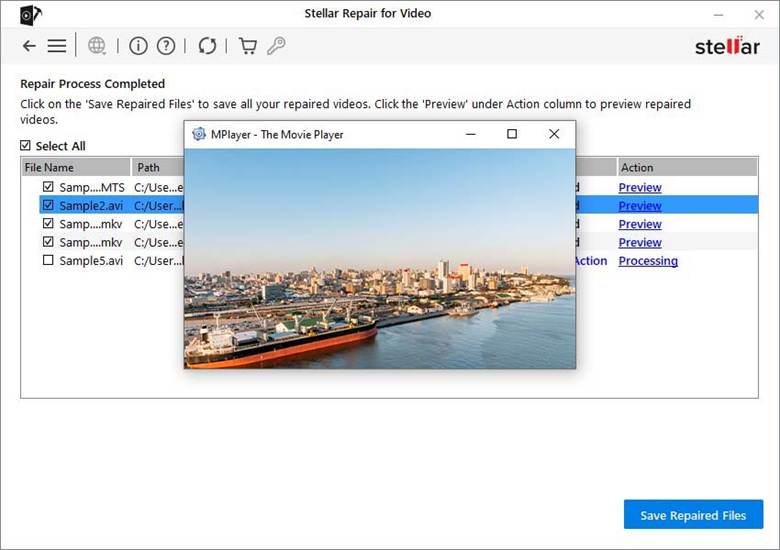
Stellar Repair for Videos is one of the best video repair software which allows you to fix videos damaged due to several reasons, including damaged headers, audio-video sync, missing frames, etc. The software is compatible with both Windows and macOS devices. You can easily fix your corrupted, damaged, truncated, or unplayable video files across many formats (MP4, MOV, AVI and more).
Key Features:
- Supports videos shot on DSLRs, smartphones, drones, CCTV cameras, action cameras, and camcorders.
- It allows you to preview repaired videos before saving them on your device.
- The Stellar Repair for Video tool offers a simple and easy-to-use interface, making it suitable for both beginners and professional experts.
- This video repair software allows repairing multiple videos at once, saving time and effort.
- Repairs 4K, 8K, VR, 360°, and heavily compressed footage without quality loss.
2. Remo Video Repair Software
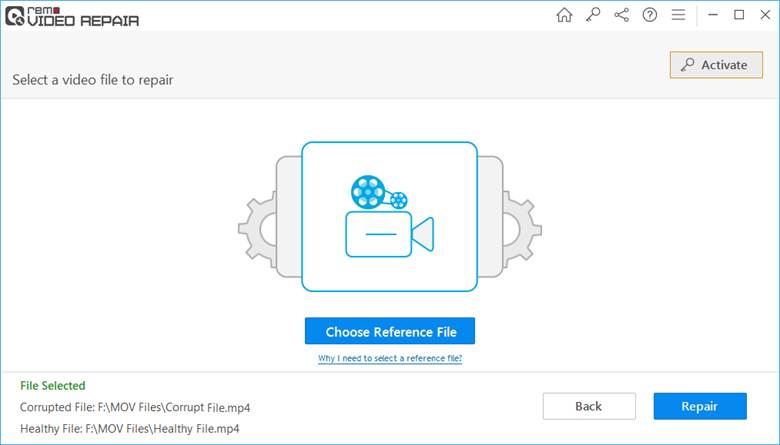
It is a user-friendly tool, known for its ability to fix various video corruption issues in a few simple clicks. This software is 100% safe and secure, also free from viruses or malware. You can use this tool to safely repair your videos recorded on different cameras and camcorders like Canon, Nikon, Olympus, GoPro, Sony, Kodak, etc.
Key Features:
- This software can easily fix severely corrupt or damaged HD/4k and 8k videos of various file formats, including .mov, .mp4, and .avi.
- It is designed with a read-only mode interface, which allows for safe repair of corrupted videos without altering the original content.
- It supports the repair of videos captured from smartphones, DSLRs, action cameras, camcorders, CCTV cameras, and drones.
3. Wondershare Repairit
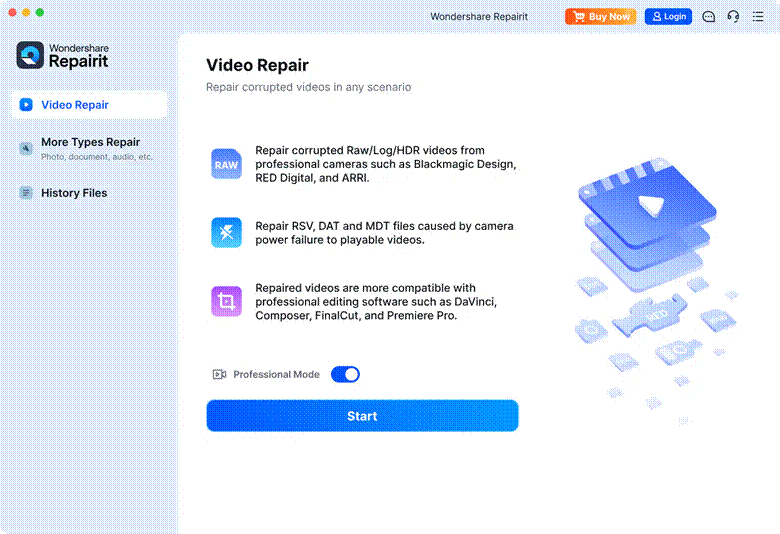
Repairit allows you to repair damaged videos in three simple steps i.e., uploading the video, initiating repair, and then saving the repaired video on your device. Its “Advanced Repair” option uses a sample file from the same device to reconstruct deeply damaged files. You can use this video repair software to repair multiple video files at once — saving time if you have many corrupted files.
Key Features:
- The preview functionality of this tool allows you to preview the repaired videos before saving them on your device.
- Works even with HD, 4K, 6K, 8K, and “RAW / LOG / professional-encoded” videos, preserving quality and original encoding.
- This tool also allows repairing corrupted photos, audio files, and documents of multiple file formats.
4. Digital Video Repair
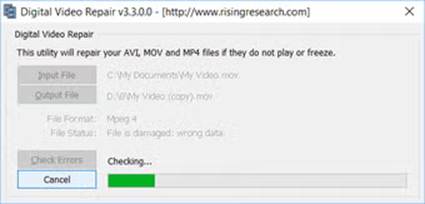
For more complicated videos, Digital Video Repair is a compact freeware utility that attempts to fix broken MP4, MOV and AVI files. It’s not as feature-rich as premium competitors, but it’s a quick, no-cost place to try before investing in any paid tool. The software is also known for its fast and simple UI, making the repair process simple even for non-tech users.
Key Features:
- If a video was only partially downloaded (or incompletely copied), DVR can often reconstruct and recover a playable file.
- The UI is minimal and straightforward: just upload the corrupted file, click “Repair,” and wait till the software completes the scan to fix your damaged videos.
- It works on a copy rather than overwriting the original, so original video data remains unaffected if the repair fails or is unsatisfactory.
5. VLC Media Player
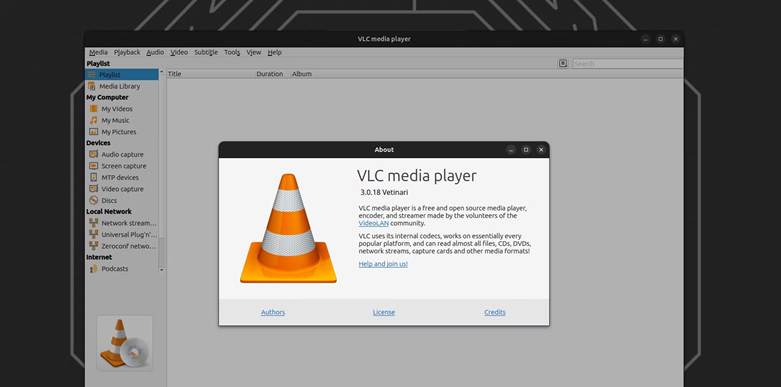
Windows’ built-in VLC media player is a versatile tool that not only plays your videos but also offers several options to repair them. It allows you to repair damaged or corrupted video files of different file formats such as MP4, MOV and MVI. The complete repair process is free, i.e., you don’t need to pay any amount for your repaired files.
Key Features:
- It offers several ways to fix issues like index corruption, playback errors, and missing or broken AVI file indexes.
- VLC player has all the required codecs, so you don’t need to install anything extra to play or fix videos.
- This software can convert videos from one format to another, helping fix playback issues related to unsupported codecs.
Key Features to Check in Your Video Repair Software
While choosing your video repair software, it’s important to review its features to ensure it can handle different levels of video corruption. Here are certain features that you need to check:
- Supports Multiple Video Formats: Make sure your video repair software supports repairing of all common formats like MP4, MOV, AVI, MKV, M4V, WMV, and professional camera formats.
- Batch Video Repair: If your software can repair multiple videos at once, it is really helpful, especially when dealing with large folders of corrupted files.
- Preview Feature: Ensure you are able to preview the repaired videos before saving them on your device.
- Device Compatibility: Look for the software which supports videos recorded on smartphones, DSLRs, CCTV cameras, drones, action cams, camcorders, and other popular devices.
- User-Friendly Interface: A clean and simple interface ensures that even non-technical users can easily repair videos.
- Cross-Platform Availability: Choose software that supports both Windows and macOS, depending on your system.
Wrapping Up
Hope this article helps you discover the top 5 best software to repair videos. These handy tools serve as an invaluable and often inexpensive way of fixing damaged or corrupted videos yourself. Whenever you decide to repair corrupt/damaged files using third-party tools, it’s important to check their features. Compare these tools carefully and then select the one that best fits your needs.